Training kit
An interval timer should make the session easier to follow. Start with the controls you need before paying for complex programmes.
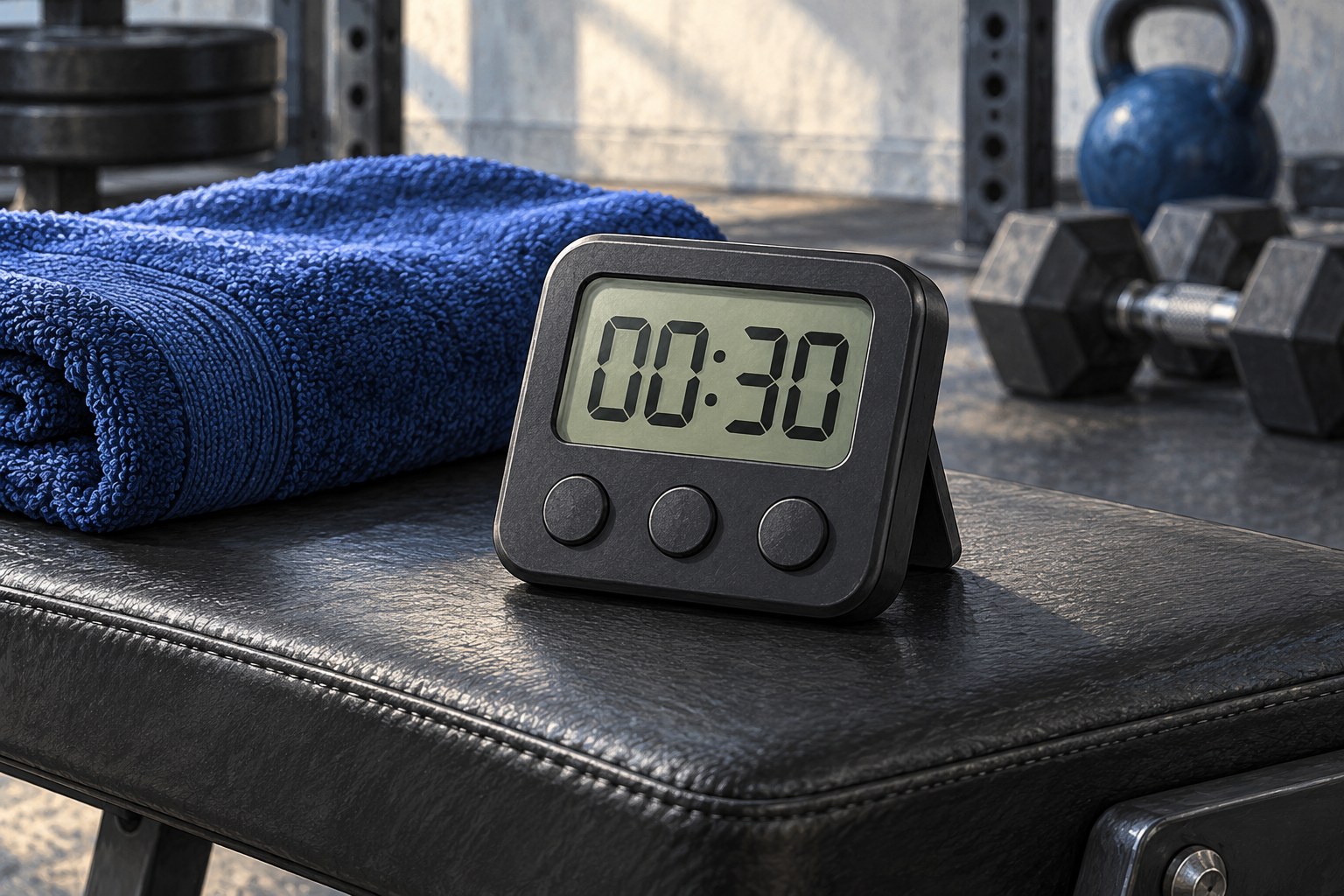
List the work periods, rests and transitions you want to time. Decide whether you need repeated rounds, a preparation countdown or different lengths within one session. A basic stopwatch may already cover your needs; a dedicated timer or app becomes useful when it removes repeated manual adjustments.
Check whether the timer can pause and resume in the way you expect. Some devices restart a round, while others continue from where you stopped. A clearly accessible stop control matters more than a large catalogue of preset workouts. You should not have to keep moving while navigating menus.
Read the digits from the position where you will train. A display that looks clear in your hand may be too small across a room or difficult to see outside. Consider glare, contrast and whether the screen remains on for the whole session.
Choose signals that suit the setting. A loud beep may disturb a shared room or park, while a silent display may require too much looking away from the exercise. Vibration can help in some setups, but the device still needs to be carried securely and should not interfere with movement.
Run one complete sample round while standing at the planned training position. Check whether the preparation countdown is distinguishable from the end of a rest and whether the final signal makes it clear that the session has finished. Confusing signals can prompt an unnecessary extra round or a rushed transition.
Try pausing, resuming and stopping the sequence. Then close and reopen the app or turn the device off and on to see whether the saved programme remains. If settings disappear, decide whether entering them again is acceptable or whether a simpler device would be more reliable for you.
For a shared room, check that the signal is audible to you without being intrusive elsewhere. If you rely on a visual cue, make sure it is visible in both standing and floor positions. You may need to position the timer differently between exercises. That is a reason to include a transition, not to crane your neck while holding a movement.
For an app, check whether the needed features require an account, internet connection or subscription. Read the permissions and privacy information, and avoid granting access that is unnecessary for a simple timing task. Check whether adverts interrupt operation or cover controls.
For a separate device, consider battery type, charging, controls and storage. Follow the manufacturer's instructions for moisture exposure and do not place a charging cable across the workout area. A magnetic mounting feature is only useful on a suitable secure surface away from moving equipment.
Test a short dummy sequence before using the timer in a workout. Adjust the settings if transitions are too rushed, and stop early whenever needed. The timer organises time; it does not assess technique, fatigue or symptoms. Buy the simplest option that you can read, operate and maintain without turning the session into a device-management task.