Home & outdoors
The best screen position is one you can read before moving and check without twisting into an awkward position.
Watch enough of the video to understand its movements, transitions and equipment before you begin. Check whether the presenter offers alternatives and whether the pace leaves you time to set up. A video labelled beginner may still include movements or floor transitions that are unfamiliar to you.
Select the session in advance and make sure it will play reliably. A downloaded option, where the service permits it, can avoid interruptions from a weak connection. Charge the phone beforehand rather than running a cable across the area where you will step or place a mat.
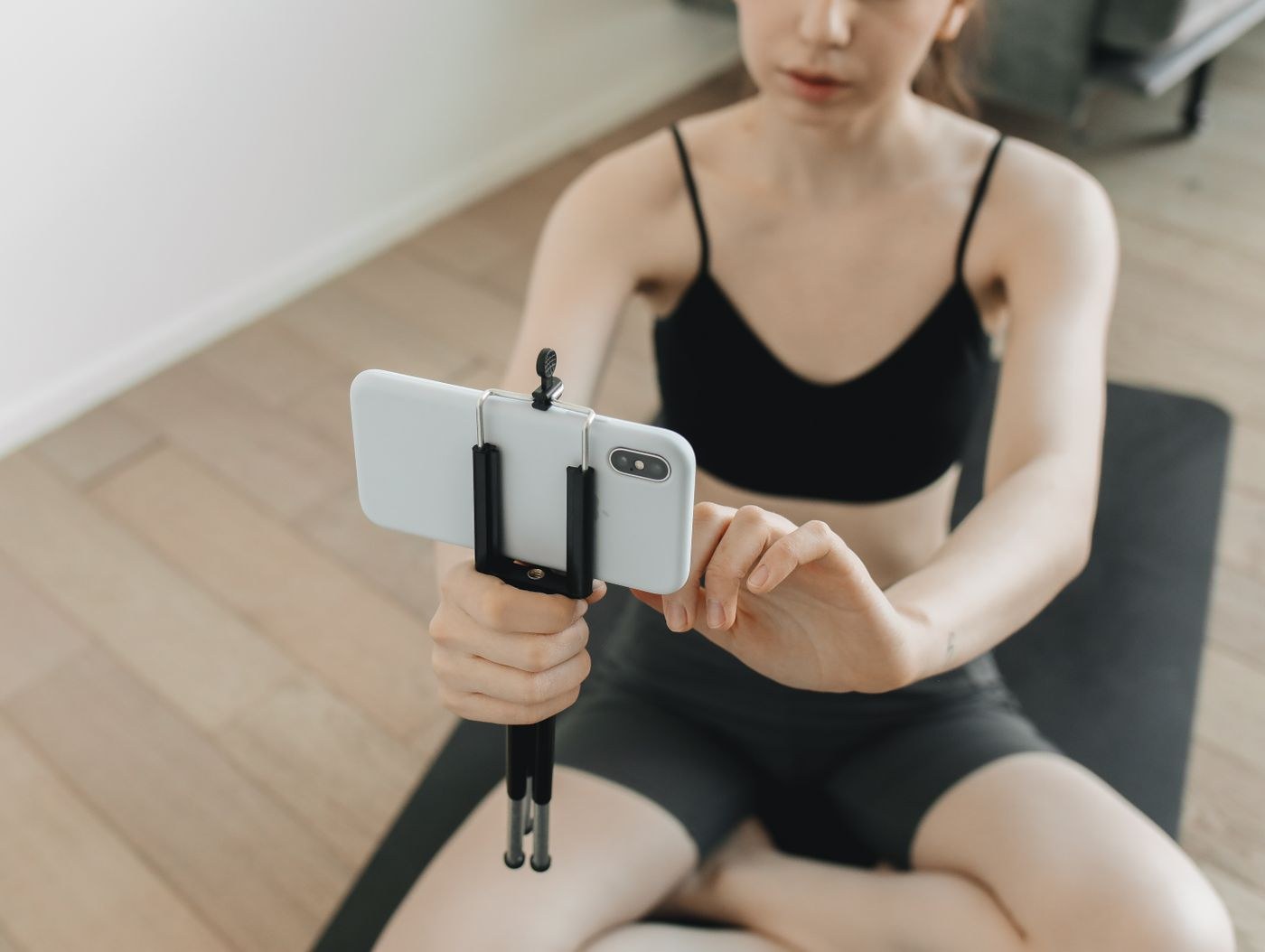
Use a stable stand outside your movement area. A phone balanced on a bottle or perched on the edge of a chair can fall, and reaching to rescue it can interrupt a loaded movement. Keep the stand clear of doors and other people walking through the room.
For standing work, choose a position you can see without repeatedly bending your neck. For floor work, pause and adjust the screen if needed rather than twisting your head while holding an exercise. You do not have to watch continuously: learn the movement, put the body in the intended position and stop to check when uncertain.
Increase text size or use a larger screen if the demonstration is too small to follow. Turning the phone sideways may help, but only if it remains securely supported. Make sure subtitles or on-screen cues are actually readable from the place where you will exercise.
Listen to a short section at the volume you intend to use and check whether music obscures the spoken cues. If you rely on captions, confirm that they identify the instruction accurately enough to follow. Automatic captions can misrepresent exercise names or numbers, so pause and clarify anything that does not make sense.
Check whether the demonstration shows the whole movement. A close crop of the upper body may leave foot placement unclear, while a front view can make depth difficult to judge. Use a resource with a clear demonstration and explanations that match your level. Do not fill in missing information by guessing under time pressure.
A live online class may have different arrangements from a recorded video. Ask whether the instructor can actually see participants, how to request an alternative and what to do if the connection drops. Do not assume that leaving your camera on means someone is continuously assessing your technique. If the screen freezes, stop safely and resolve the interruption instead of continuing an uncertain sequence from memory.
Keep the pause control reachable when you are safely at rest. You should be able to stop for water, equipment adjustment or a slower explanation without racing the presenter. Do not speed up to catch up with repetitions you missed while checking the screen.
Reduce notifications if they distract you, while keeping any essential contact arrangements in mind. Use a volume that lets you hear instructions without blocking awareness of the room. If the session repeatedly makes you crane your neck, rush or guess what happens next, choose a clearer resource or ask a qualified instructor for help. A phone can deliver a demonstration; it cannot observe your movement and correct it.